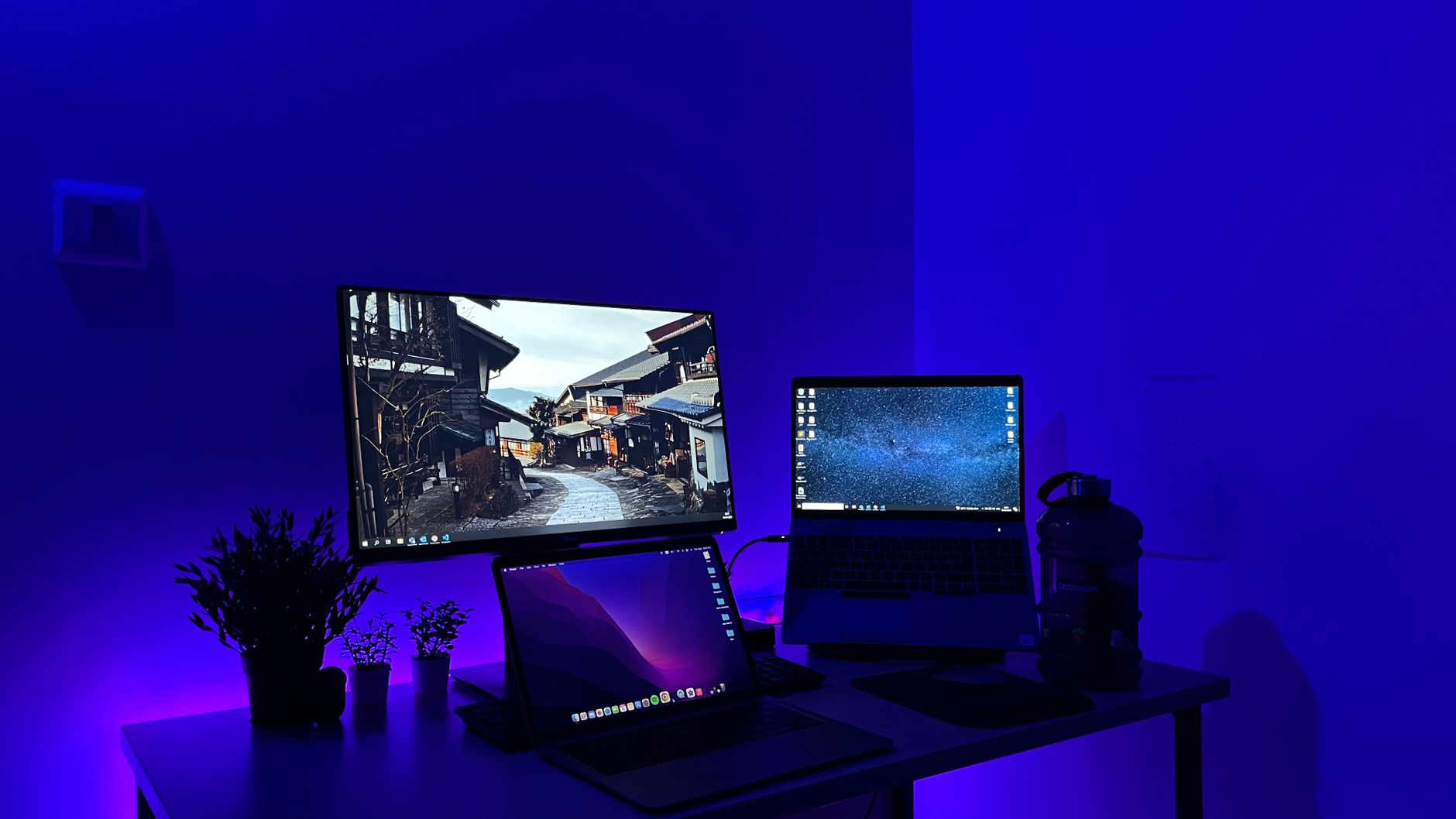
Essential Electronics for a Productive Home Office
Creating a comfortable and efficient home workspace starts with choosing the right electronics. Selecting devices that match your work habits and space can reduce fatigue, improve focus, and streamline daily tasks. From monitors to ergonomic keyboards, the right tools make a significant difference in productivity and comfort.
What to Consider When Picking Home Office Electronics
When selecting electronics for your home office, prioritize ergonomics, screen quality, and compatibility with your workflow. For monitors, focus on size, resolution, and adjustability to avoid eye strain. Keyboards should offer comfort and reduce wrist stress, while webcams need good resolution and low-light performance for clear video. Also consider connectivity options, noise levels in devices like headsets, and whether equipment integrates well with your existing setup.
Where to Begin Your Search
Start by assessing your workspace and identifying which electronics will address your biggest challenges, like poor screen visibility or uncomfortable typing. From there, explore specialist electronics retailers and large e-commerce platforms that offer user reviews and detailed specs. Compare features, prices, and return policies to find products suited to your needs and budget.
Use these product directions as a shortlist before comparing specific stores and offers.
Monitors with height adjustment, swivel, and tilt help maintain a comfortable posture and reduce neck strain. Look for high resolution and good color accuracy for long hours of work.
computer monitors, adjustable screens, high resolutionDesigned to minimize wrist and hand strain, ergonomic keyboards and mice support a natural hand position, aiding comfort during extended typing or clicking sessions.
ergonomic keyboards, comfortable mouse, wrist supportA webcam with HD resolution and good low-light capabilities ensures clear video calls, an essential for remote meetings and virtual collaboration.
webcams, HD video, low-light performanceHeadsets that block background noise help maintain focus during calls and virtual meetings, improving audio clarity for both you and others.
noise-cancelling, headsets, audio clarityProper lighting reduces eye strain during long work sessions. Adjustable desk lamps let you control brightness and color temperature for optimal comfort.
desk lamps, adjustable lighting, eye strain preventionQuick answers
A larger monitor or dual-monitor setup can improve multitasking and reduce eye strain, but desk space and resolution should be balanced to maintain clarity.
Yes, ergonomic keyboards are designed to support natural hand positions which can reduce strain and the risk of repetitive stress injuries.
Look for at least 1080p resolution, good low-light performance, and a wide field of view to improve video call quality.
It may be less critical in quiet environments, but noise-cancelling headsets can still improve call clarity by minimizing ambient noises and echo.
Proper lighting reduces eye fatigue and headaches, so adjustable desk lamps that mimic natural light and reduce glare are beneficial.