Black Friday is a good time to plan a whole-home upgrade
Black Friday is a good moment to replace tired kit around the house, but the discounts are rarely the whole story. Many of the biggest headline reductions apply to a narrow range of models, or to items that were recently priced higher, so a percentage off means little on its own. Before you start comparing, decide which parts of the home genuinely need attention, such as a failing fridge freezer, an ageing monitor, or a printer that runs through cartridges too quickly.
Start with what you will use every day. Check the dimensions of the space, the power and connectivity you need, and whether the item fits your existing setup. Then look at the total cost, including delivery, installation, cables and consumables such as printer ink, which can outweigh a modest saving on the machine itself.
How to choose a deal that is genuinely good value
Begin with the specification you need rather than the one the advert emphasises. For a computer accessory such as a keyboard, mouse, webcam or headset, compatibility with your operating system and the connection type, whether wireless receiver, Bluetooth or USB, matter more than extra features. For a television, screen size relative to viewing distance, and the inputs you need for consoles or soundbars, are more useful than headline brightness claims. For appliances, check capacity, energy rating, and whether the dimensions and water or electrical connections suit your kitchen or utility room.
Compare the same model across at least two retailers and note the price history where you can see it, since a deal that merely returns to a normal price is not a bargain. Be careful with bundles: a printer offered cheaply can be expensive to run if its cartridges are costly. Compatible cartridges may cost less than originals but can behave differently, so check the printer's warranty terms. Delivery charges, installation for large appliances and disposal of old machines can also change the final comparison considerably.
A deal is only good value if it still makes sense after delivery, consumables and the space you have measured.
From the editors
Common mistakes include buying on the day without measuring, assuming a larger screen or capacity is always better, and overlooking warranties. Read the returns window and what the retailer says about faulty goods, and keep your proof of purchase. UK consumers have statutory rights for goods that are faulty or not as described, and these apply whatever the discount.
What is worth buying this November
For each item we name a store where you can start comparing.
Wireless keyboard and mouse set
A matching pair for everyday home use can replace worn-out peripherals without much fuss. Check the connection type and whether it works with your operating system.
Search termswireless keyboard · mouse set · computer accessories · Black Friday keyboard deals
Our recommendationlogitech.comBrand-direct accessoriesLaptop or monitor for home working
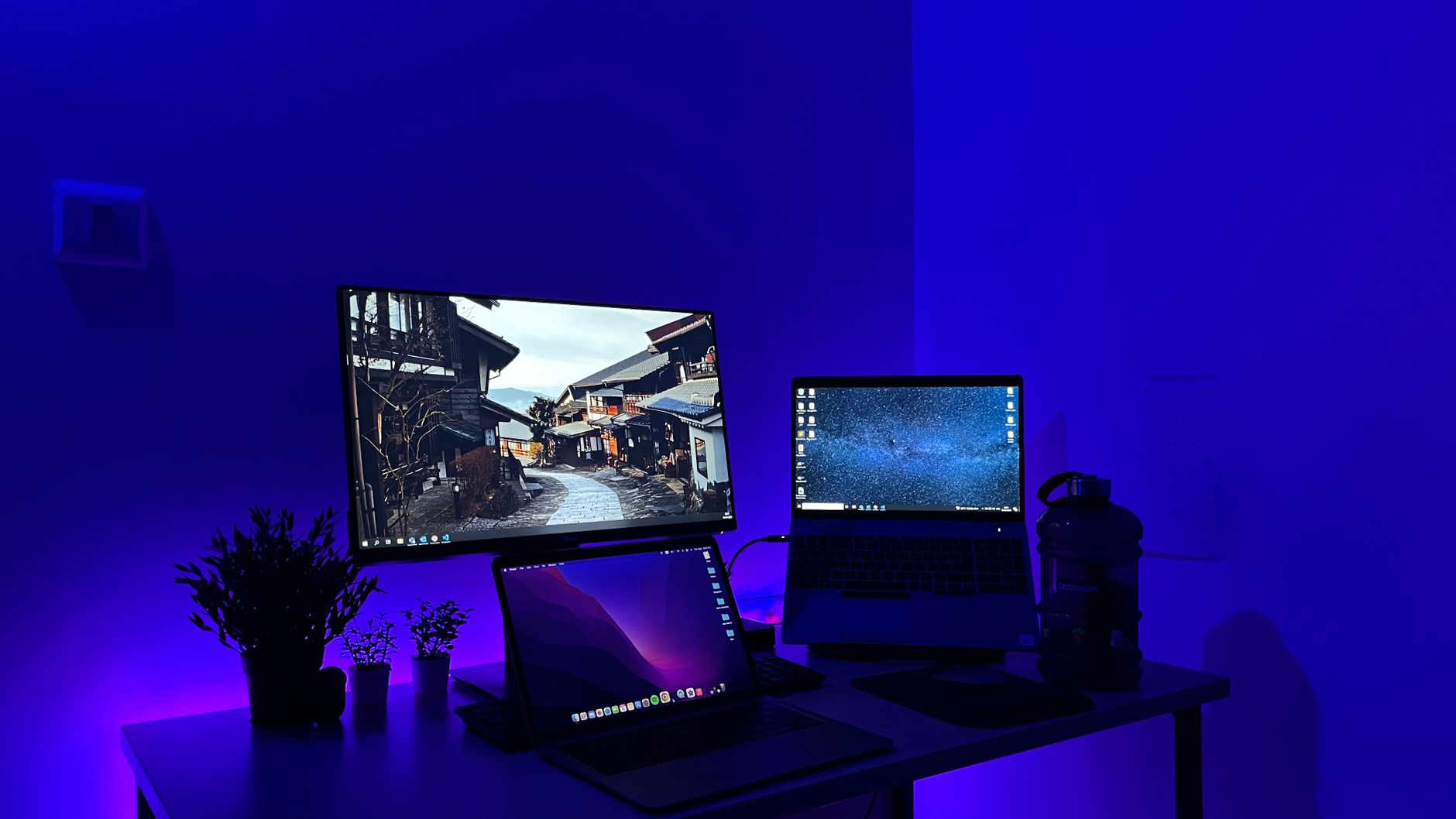
A larger screen or a new machine can make daily tasks easier if your current equipment is slow or cramped. Compare processor, memory and screen size against what you actually use.
Search termslaptop deals · monitor · computer deals UK · home office upgrade
Our recommendationebuyer.comComputers and partsTelevision with the right inputs
A new TV is worth considering when the old one lacks the connections you need for consoles or soundbars. Measure the space and viewing distance before choosing a screen size.
Search termstelevision deals · TV Black Friday · home electronics · smart TV
Our recommendationcomet.co.ukBig appliancesPrinter ink or toner cartridges
Replacing cartridges is often the largest ongoing cost of a printer, so it pays to compare options. Check the page yield and whether the cartridge suits your model.
Search termsprinter ink deals · toner cartridges · compatible cartridges · printer supplies
Our recommendationprinterinks.comInk and tonerFridge freezer
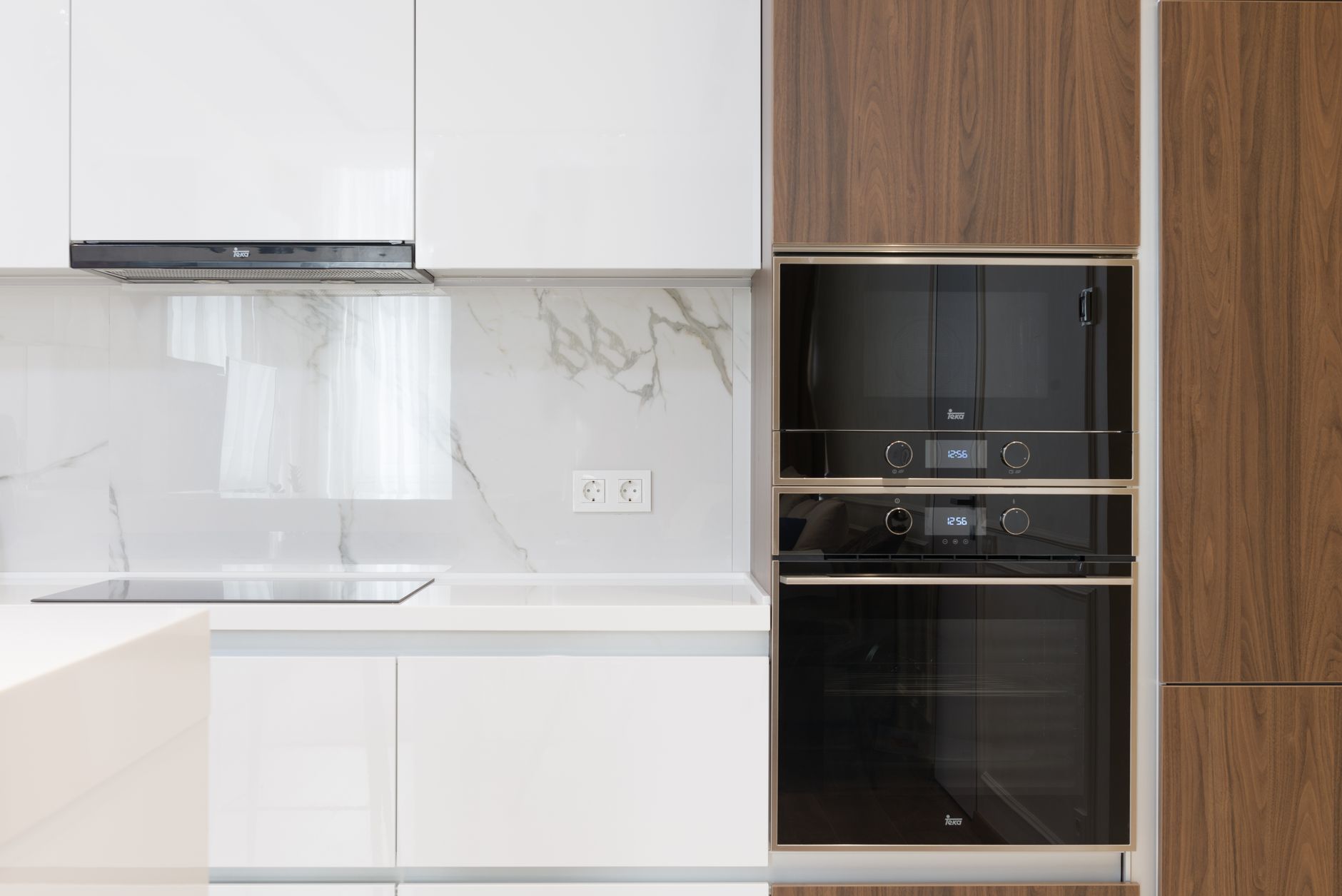
A fridge freezer is worth replacing when it is noisy, inefficient or no longer keeps food at a safe temperature. Measure the recess and check the energy rating and door opening before ordering.
Search termsfridge freezer deals · Black Friday appliances · energy rating · American fridge freezer
Our recommendationshipitappliances.co.ukFridges and freezers
Where to start shopping
Begin with a short list of what needs replacing and the space each item will occupy. Then compare the headline deals on a larger retailer first. Comet (comet.co.uk) is a practical place to check washing machines, refrigerators, cookers and televisions side by side. Ebuyer (ebuyer.com) suits computers and components if you want to compare specifications before buying. If printer ink is the regular expense, look at Printerinks (printerinks.com), which sells both original and compatible cartridges, so you can work out the cost per page before committing. Save your shortlist, note the final price including delivery, and set a limit before the sale begins so that a fast-moving offer does not override your plan.
Before you order
- Write a list of what genuinely needs replacing and why.
- Measure the space for appliances and televisions, including door clearance.
- Check the connection type and compatibility for computer accessories.
- Estimate the running cost of printer ink or toner before buying a printer.
- Compare the same model with at least one other retailer.
- Add delivery and installation charges to the final price.
- Save proof of purchase and read the returns policy.
The stores at a glance
comet.co.uk
Big appliancesComet is useful for comparing washing machines, fridges, cookers and televisions side by side before you commit to a large purchase.
Recommended for Television with the right inputs
ebuyer.com
Computers and partsEbuyer lets you check computer specifications and components closely, which helps you judge whether a laptop or monitor deal is worth it.
Recommended for Laptop or monitor for home working
logitech.com
Brand-direct accessoriesLogitech is a sensible place to compare keyboards, mice, webcams and headsets, and to check compatibility with your computer.
Recommended for Wireless keyboard and mouse set
printerinks.com
Ink and tonerPrinterinks helps you work out the running cost of a printer by comparing original and compatible cartridges before you buy.
Recommended for Printer ink or toner cartridges
shipitappliances.co.uk
Fridges and freezersShip It Appliances focuses on refrigeration and cooking products, so it suits shoppers replacing a fridge freezer, oven or dishwasher.
Recommended for Fridge freezer
shop.bt.com
Broad electronicsBT's shop covers computers, televisions and household appliances, which makes it useful for comparing a whole-home upgrade in one place.
We may earn a commission when you buy through links on this page, at no extra cost to you. How we make money
Frequently asked questions
Are Black Friday discounts always worth taking?
Not always. Compare the same item with its usual price over recent weeks and across two or more retailers. A deal is only good value if it is cheaper than the realistic alternative for the model you want.
Should I buy a printer on offer or focus on ink costs?
Look at both. A low purchase price can be offset by expensive cartridges, so estimate the running cost per page using the cartridge yield before deciding.
Is a compatible printer cartridge a safe choice?
Compatible cartridges can be a cheaper option, but results vary by printer. Check the retailer's returns policy and your printer's warranty terms before buying.
What should I measure before buying a large appliance?
Measure the space, including depth, height and any recess, plus the door clearance and the position of water and power connections. Allow room for ventilation and delivery access.
TransparencySome links to stores may be partner links. If you buy through them, we may earn a commission – the price stays the same for you. We choose the stores independently. How we make money