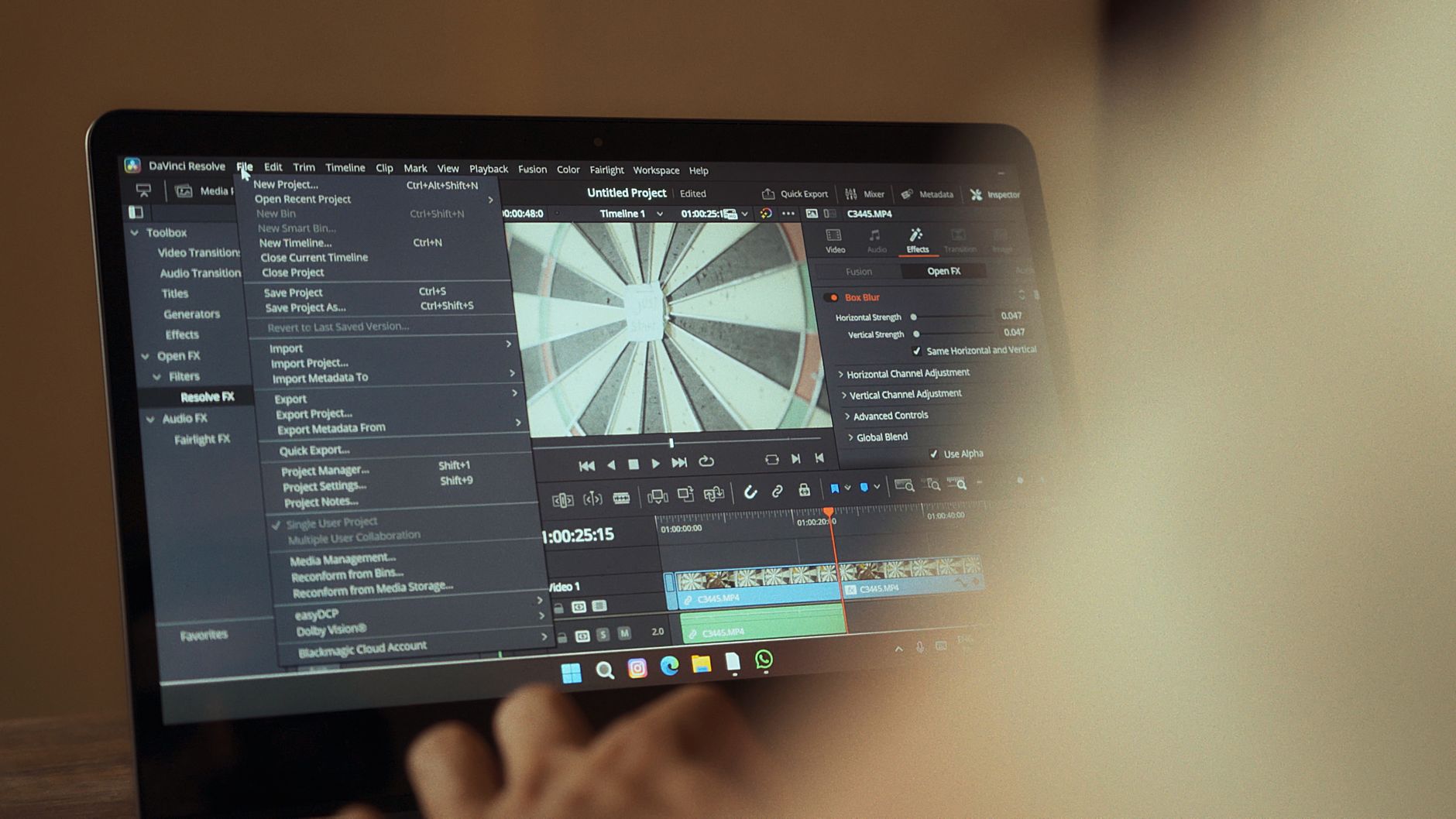
Choose Your Short Film Software Before You Spend
Making a short film on a low budget depends as much on your software choices as on your camera. A first-time filmmaker may need tools for generating visuals or voice, cutting footage, keeping a Windows computer responsive during long edits, and sharing the finished film through a personal website. Each step costs money and time, and it is easy to pay for features that a ten-minute film will never use.
Start with the workflow rather than the product list. Write down which parts of the film you truly cannot shoot yourself, such as a narrator voice or a background shot, and which parts you can handle with footage you already have. Then check whether your computer can run your editor smoothly, and decide where the film will live before you publish. Those three answers shape nearly every purchase that follows.
How to Pick Tools That Match a Short Film
Begin with criteria that match a short film. Look at export options, licensing terms, and whether the tool works with the file formats your camera and editor use. For generated visuals and voices, read the usage rights carefully, because a free or low-cost plan may restrict commercial use or how your film can be shown at festivals. For editing, prioritize a timeline that is easy to learn, reliable audio tools, and captioning if your audience needs subtitles. Compare free trials and monthly plans rather than assuming the most expensive option is the most capable.
Trade-offs usually come down to convenience versus control. Browser-based editors depend on a stable internet connection and may limit how much footage you can upload, while desktop software needs more local storage and a machine that can handle it. Generated footage can fill gaps quickly, but it rarely matches the consistency of footage you shoot yourself, so use it for specific shots rather than whole scenes. For a personal website, a basic hosting plan is usually enough for a written page and a few images, but it may not suit hosting full video files directly. Storage and bandwidth needs vary with resolution and viewership, so most filmmakers do better embedding the film from a video platform.
Buy for the next film you will actually make, and test every tool on a short sample of your own footage before you commit.
From the editors
Common mistakes include paying for several overlapping subscriptions in the same month, skipping the license check, and assuming a PC cleanup tool will fix slow exports. Cleanup software may free disk space and remove clutter, which helps when a drive is nearly full, but export speed is usually limited by processor, graphics, memory and render settings. Test your workflow on a short sample of your own footage before committing. A lean setup with one editor, one generation tool and one hosting option is easier to manage than a stack of tools you use once.
What You Really Need to Buy
For each item we name a store where you can start comparing.
Browser-based or desktop video editor
A timeline editor for cutting footage, adding titles and mixing sound. Choose one that exports at the resolution your festival or website requires.
Search termsvideo editor · beginner editing software · timeline editing
Our recommendationinvideo.ioBest for editingSubtitle and captioning tool
Creates and edits captions for dialogue and narration. Useful when your film needs accessible subtitles for a wider audience.
Search termssubtitling tools · video captions · subtitle editor
Our recommendationveed.ioSubtitles and editingGenerative video clip tool
Creates short visual shots for establishing scenes or inserts. Use it selectively and keep the license terms on file.
Search termsgenerative video tools · short film visuals · video generation
Our recommendationklingai.comGenerated video shotsVoice generation service
Produces narration or character lines from a script. Confirm that commercial use is allowed for your project before you publish.
Search termsvoice generation · narration tools · speech software
Our recommendationelevenlabs.ioNarration and voicesWindows cleanup and maintenance utility
Removes junk files and manages startup programs to free disk space. It will not replace more memory or a faster drive if exports are slow.
Search termsPC optimization software · disk cleanup · Windows maintenance
Our recommendationiobit.comWindows tune-upBasic website hosting plan
Hosts a personal page with a domain, synopsis, credits and a video embed. Confirm storage and bandwidth limits before uploading any full video files.
Search termswebsite hosting · domain name · filmmaker website
Our recommendationhostinger.comBest for hosting
A Practical Plan for Your First Purchases
Begin with a free trial of a video editor that suits your footage. InVideo at invideo.io is a sensible place to compare editing and assisted features, and you can test a short sequence before paying for anything. Next, decide whether you truly need generated shots or voices. Higgsfield at higgsfield.ai offers a broad set of visual and voice tools, so try one short scene before subscribing to a larger plan. Check the license terms for every generated asset and keep a simple record of what you used. Finally, plan where viewers will watch. Hostinger at hostinger.com can host a personal page and domain, but for the film itself, embedding from a video platform is usually more practical. Run your computer checks before your first long export, and buy only what your next film needs.
Before you order
- List the shots, voices and titles you need before opening any tool.
- Check export resolution and file formats against your festival or website requirements.
- Read the license terms for generated visuals and voices.
- Test a free trial on a two-minute sample of your own footage.
- Check free storage space and available memory on your PC before a long export.
- Confirm storage and bandwidth limits on any hosting plan before uploading video.
The stores at a glance
invideo.io
Best for editingOffers a timeline editor with assisted features, which suits first-time filmmakers who want to cut and title a short without learning complex software.
Recommended for Browser-based or desktop video editor
hostinger.com
Best for hostingProvides domains and hosting for a personal film website, though a basic plan may not handle full video files, so check storage and bandwidth first.
Recommended for Basic website hosting plan
veed.io
Subtitles and editingHelps add captions and edit clips online, useful if your film needs subtitles for wider audiences or festival submissions.
Recommended for Subtitle and captioning tool
klingai.com
Generated video shotsCreates short visual clips from text or reference images, which can fill a few establishing shots or inserts when filming is not possible.
Recommended for Generative video clip tool
higgsfield.ai
Broad creative toolkitCombines visual generation, voice content, media editing and upscaling in one place, which can cover several production steps.
elevenlabs.io
Narration and voicesGenerates speech from a script, which can help with narration or temporary voice tracks, provided the license allows your intended use.
Recommended for Voice generation service
iobit.com
Windows tune-upCleans junk files and manages startup programs to free disk space, but it will not replace hardware limits that slow down exports.
Recommended for Windows cleanup and maintenance utility
We may earn a commission when you buy through links on this page, at no extra cost to you. How we make money
Frequently asked questions
Do I need paid software to finish a short film?
Not necessarily. Many editors offer free tiers or trials. Paid plans make more sense when you need higher export quality, more storage or commercial licensing.
Can I host my film directly on a basic website plan?
Often not. Video files are large and use a lot of bandwidth. Check storage and bandwidth limits before uploading, and consider embedding the film from a video platform instead.
Will PC cleanup software make my exports faster?
Usually not by much. It can free disk space, but export speed depends mostly on your processor, graphics card, memory and project settings.
Can generated footage be used in a festival film?
It depends on the tool's license terms and the festival's rules. Keep records of which shots you generated and check both before submitting.
TransparencySome links to stores may be partner links. If you buy through them, we may earn a commission – the price stays the same for you. We choose the stores independently. How we make money