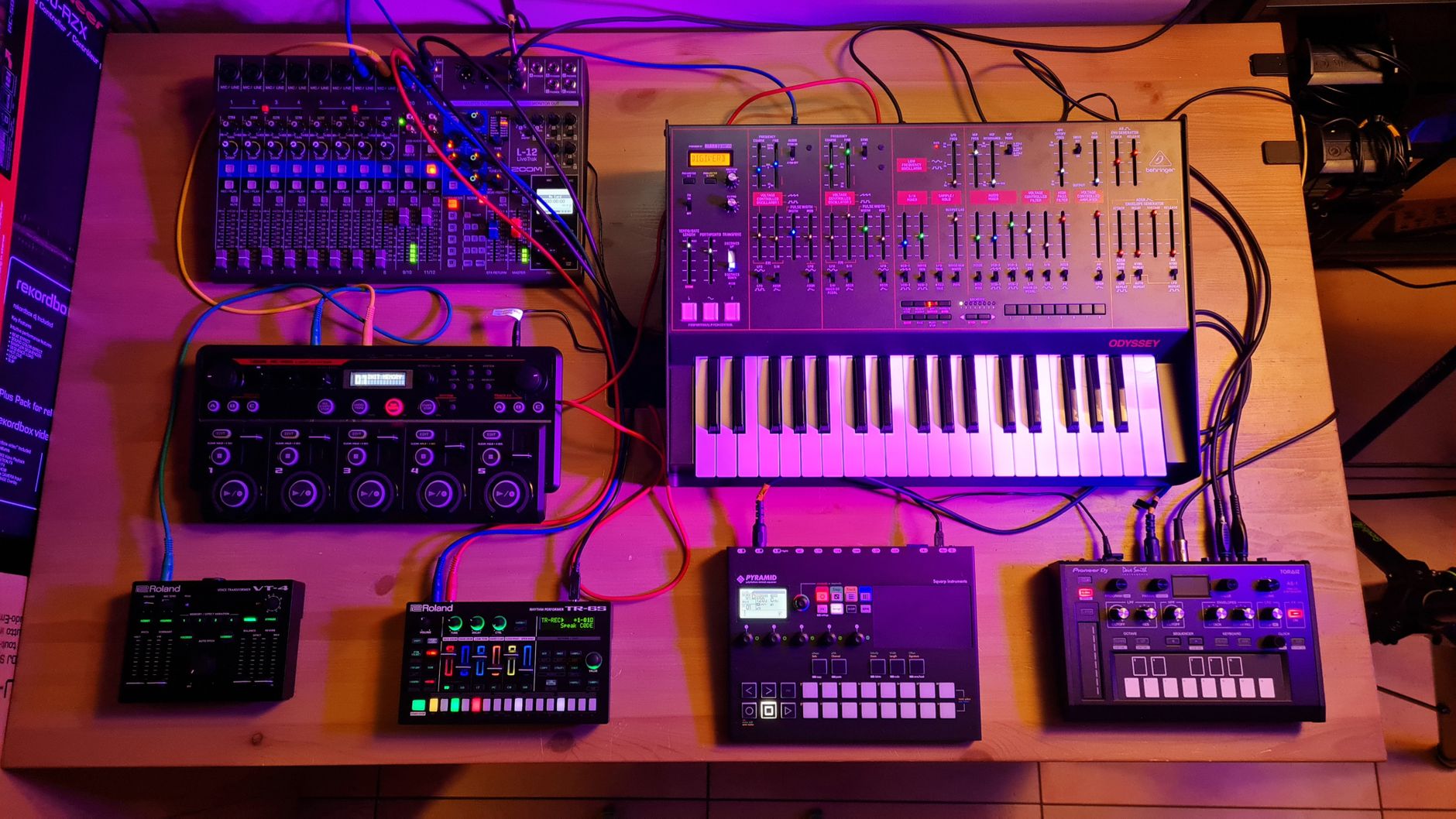
Why Starter Gear Matters for Game Music
Making music for a video game is less about owning expensive equipment than about building a small, reliable setup you understand. Before you buy anything, settle on the core chain: a digital audio workstation (DAW) to arrange and mix, headphones that show you the true sound of your mix, and an audio interface if you plan to record a real instrument or microphone. These three items matter far more than any single plugin or sample pack.
Sample libraries and sound effects come next, and they save time when you need drums, ambience or quick impact sounds. Real guitar parts add character, but only once the rest of the workflow is running smoothly. Keep the first project small: one short loop or one menu theme teaches you more than an unfinished full soundtrack.
How to Choose Starter Gear for Game Audio
Start with compatibility and workflow. Choose a DAW that runs on your computer and that you can learn in a few weeks, since you will use it for every track. For headphones, closed-back models are commonly recommended for recording because they limit sound leaking into a microphone, and a fairly neutral response helps you judge mixes honestly. An audio interface should match the number of inputs you need; one input is enough for a single guitar or microphone at a time.
Sample libraries and sound effects trade convenience against originality. Royalty-free packs are quick to drop into a project, but many beginner games end up sounding like everyone else's. Read the license for commercial use, including whether you can ship sounds in a released title and whether credit is required. Visual assets follow the same logic: clean cover art or interface graphics help a small project look finished, but they remain secondary to the audio.
Build a small chain you understand: a DAW, headphones you trust and an interface only when you record.
From the editors
Common mistakes include buying a large sample collection before you can arrange a track, choosing earbuds for mixing, and skipping the license terms. Another is chasing gear that promises a specific sound instead of practicing with what you already have. Reference games are useful for listening: play a title with music you admire, note how the soundtrack reacts to combat, exploration or menus, and recreate one moment before adding more.
What You Actually Need First
For each item we name a store where you can start comparing.
Digital audio workstation
Software for arranging, recording and mixing your tracks. Choose one that runs on your computer and that you are willing to practice with every day.
Search termsDAW software · beginner music production · game music software
Closed-back studio headphones
Headphones that isolate sound and reveal detail for mixing. Look for a neutral sound and a fit that stays comfortable during long sessions.
Search termsstudio headphones · closed-back headphones · mixing headphones
Audio interface
A small device that connects microphones or instruments to your computer. Pick one with only as many inputs as you need for one guitar or one microphone.
Search termsaudio interface · USB audio interface · guitar recording interface
Royalty-free sample loops
Drum, bass and ambient loops that speed up composition. Confirm the commercial-use terms before placing any loop in a game.
Search termsmusic samples · royalty-free loops · game music samples
Our recommendationsplice.comBest for samplesSound effect packs
Impacts, interface clicks, footsteps and ambience for gameplay moments. Choose packs that match your game's tone and check how they are licensed.
Search termsgame sound effects · UI sound effects · ambient sound effects
Our recommendationsplice.comBest for samplesGuitar parts and basic tools
Replacement parts and simple supplies that keep a guitar playable for recording. Useful if you maintain your own instrument.
Search termsguitar parts · guitar setup supplies · recording guitar
Our recommendationstewmac.comGuitar parts source
Where to Start Shopping
Begin with a short list: a DAW you can run, headphones you trust, and an audio interface only if you will record a live instrument or microphone. Then look at splice.com for a small starter pack of loops and sound effects that fit your game's genre, and check the license before using any sound in a commercial project. If you want real guitar parts, stewmac.com is worth a look for parts and supplies, especially if you plan to maintain your own instrument, though most beginners only need a playable guitar and a cable. Visual assets from vecteezy.com can wait until the audio works. Keep a list of reference games alongside your gear so you can study how their music is built.
Before you order
- Check that your computer meets the DAW's system requirements before you buy.
- Decide whether you will record live audio; if not, skip the audio interface for now.
- Test headphones with a familiar reference track and a simple mix.
- Read the license of every sample pack and sound effect before commercial use.
- Confirm how many inputs you need for one guitar or one microphone.
- Start with one short loop or menu theme rather than a full soundtrack.
- Save reference tracks from games whose music you want to study.
The stores at a glance
splice.com
Best for samplesRoyalty-free loops, sound effects and virtual instruments help you build a soundtrack quickly, as long as you check the license first.
Recommended for Royalty-free sample loops and Sound effect packs
stewmac.com
Guitar parts sourceUseful for guitar parts and supplies if you plan to build or repair your own instrument for recording.
Recommended for Guitar parts and basic tools
vecteezy.com
Secondary visualsStock graphics and templates can cover menus or cover art later, after the audio workflow is working.
store.ubisoft.com
Reference listeningPlaying well-scored games lets you study how music responds to gameplay, though it does not sell audio gear.
We may earn a commission when you buy through links on this page, at no extra cost to you. How we make money
Frequently asked questions
Do I need an audio interface to start?
Not always. If you only use virtual instruments and samples, your computer's sound setup may be enough. You need an interface when you record a microphone or guitar through an input.
Can I use sample packs in a commercial game?
Often yes, but read the license first. Some packs restrict use, require credit or limit how sounds can be included in a product.
Should I buy studio headphones or earbuds?
Studio headphones are better for mixing because they show detail more accurately. Earbuds are useful for checking how a mix sounds on everyday devices.
Are visual assets necessary for a soundtrack project?
No. They are secondary. Use them for cover art or menus only after the audio is working.
TransparencySome links to stores may be partner links. If you buy through them, we may earn a commission – the price stays the same for you. We choose the stores independently. How we make money