Why the school year is a good moment to review your home set-up
Every September, many families discover that the home printer is out of ink, the shared laptop is slow and the washing machine is struggling with the school uniform pile. Homework, online lessons and packed lunches place steady demand on the same few devices and appliances, so small problems quickly become daily frustrations. Starting the term with a short review is far more sensible than replacing things in a rush during the first week.
Begin with a simple audit. Note which devices the children use for homework, which ones they share and what the school expects them to print or submit online. Then check the appliances that support the daily routine: the washing machine, the fridge freezer where packed lunches are stored and any small appliances used for breakfast or lunchboxes. Decide what can be kept, what needs repairing and what genuinely needs replacing before you start comparing products.
How to choose what is worth buying, replacing or simply checking
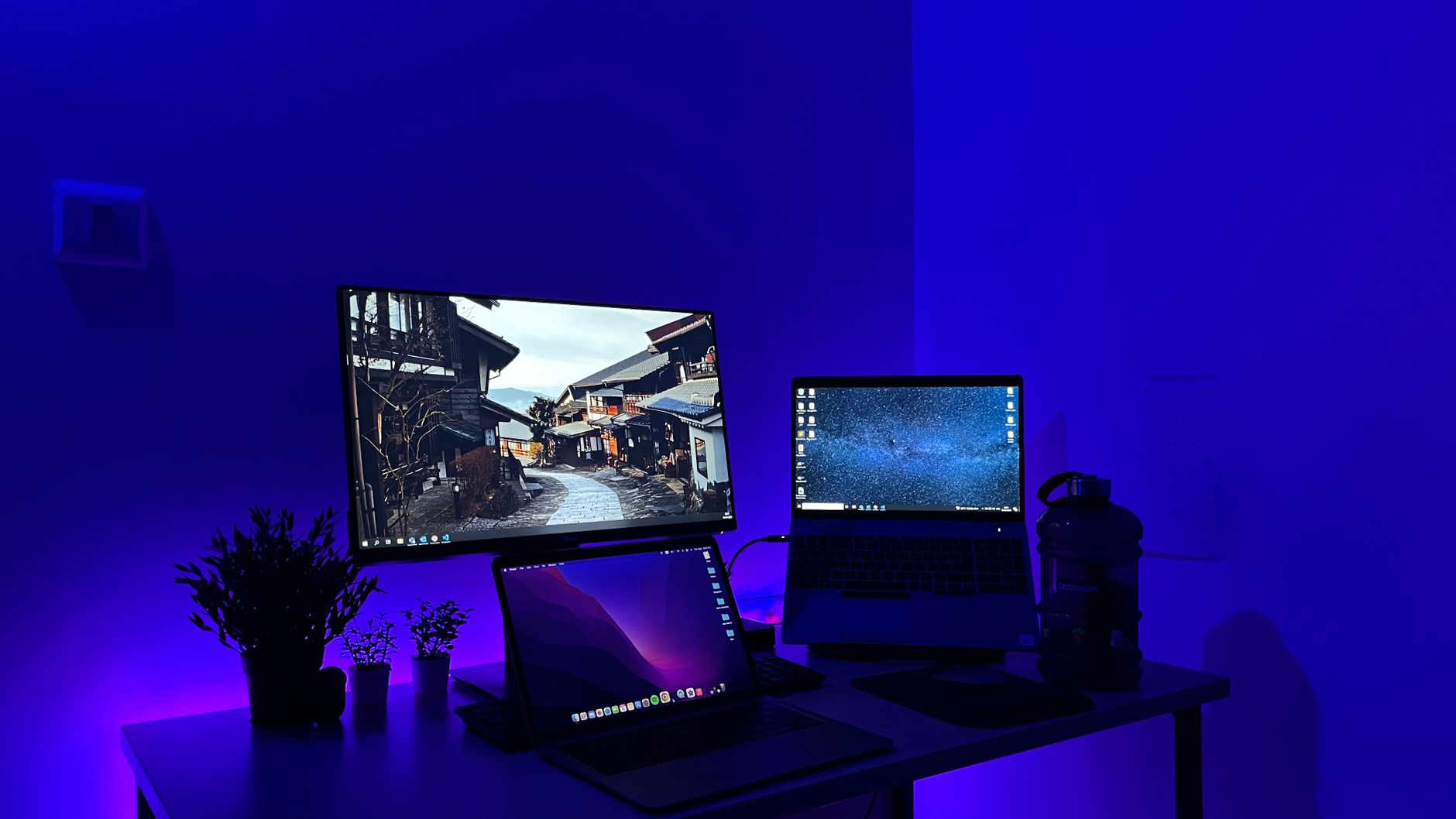
Start with the tasks rather than the products. A family computer for homework needs enough memory to run the browser, school platforms and a few open documents at the same time, and it needs a battery that lasts through a working session. Check the minimum requirements of the school's software before buying, and consider whether a desktop with a larger screen would suit a child who works at a table. For printers, look at the running cost of ink or toner as well as the purchase price, and confirm the cartridge model number on the old printer before ordering replacements. Compatible cartridges can be a sensible option, but check that they match your printer and that you are comfortable with the terms of the seller.
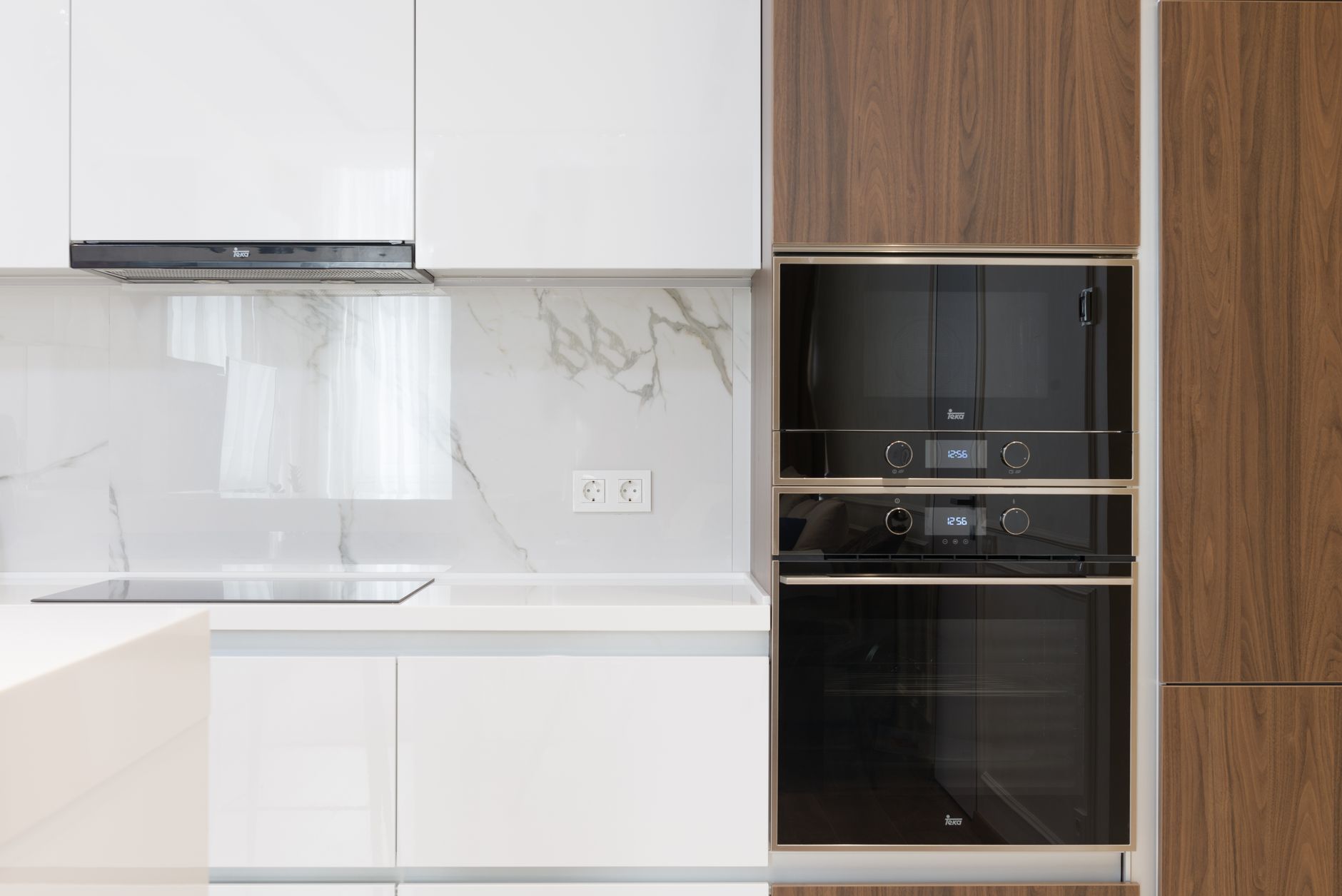
For large appliances, the trade-offs are mostly about space, capacity and connections. Measure the gap for a fridge freezer or washing machine, including the depth and the room needed for doors to open and hoses to fit, and check that your water and electrical supply suit the new model. A larger drum or freezer is only helpful if it fits the way the household actually uses it. Also consider delivery and installation: a machine that arrives without a clear plan for removing the old one can cause delays in the busiest weeks of the term.
Measure the space, check the cartridge code and confirm what the school software needs before you spend a penny on the new term.
From the editors
Common mistakes include buying the cheapest device without checking the software needs, ordering ink before confirming the cartridge code and replacing a working appliance because it looks old. Another frequent error is forgetting accessories such as a webcam or headset until the first online lesson begins. Make a short written list of what must work by the first day of term, what would be nice to improve and what can wait until half-term. This keeps the budget realistic and stops the family from buying in a panic.
What the family set-up may need
For each item we name a store where you can start comparing.
Family laptop or desktop computer
A reliable machine for homework, research and online lessons, shared by more than one child. Check the storage, battery life and whether it runs the software your school uses.
Search termslaptop for school · family computer · homework computer · desktop for students
Our recommendationebuyer.comWidest rangePrinter and matching ink or toner
A simple printer for worksheets, forms and projects is usually enough for a family. Check the cartridge model number before buying so you do not end up with the wrong ink.
Search termsprinter ink for homework · toner cartridge · compatible printer ink · family printer
Our recommendationprinterinks.comBest for printer suppliesWebcam and headset
Useful for video calls, online lessons and parents' meetings held online. A headset with a built-in microphone makes it easier to follow lessons in a busy room.
Search termswebcam for online lessons · headset with microphone · school video calls
Our recommendationlogitech.comBest for homework extrasWashing machine or fridge freezer
Only replace a large appliance if the current one is failing or too small for the family's laundry or food storage. Measure the space and check the water and power connections first.
Search termswashing machine for families · fridge freezer for packed lunches · large capacity appliance
Our recommendationshipitappliances.co.ukBest for laundry and fridgesWireless keyboard and mouse
Good for a shared family computer, especially if children work at a desk where a laptop keyboard is awkward. Look for a compact set that connects easily to the computer you already own.
Search termswireless keyboard and mouse · computer accessories for students · desk set-up
Our recommendationlogitech.comBest for homework extras
Where to start shopping
Begin with the items that stop daily routines when they fail: the printer ink, the shared computer and any appliance that is already unreliable. If the printer needs a specific cartridge, look for it on printerinks.com, where you can check the compatible and original options side by side before ordering. For a computer, ebuyer.com is a good place to compare laptops and desktops in one search, especially if you also need a monitor or accessories. Once the core devices are sorted, check the household appliances on shipitappliances.co.uk if the laundry or food storage needs an upgrade, and use the delivery terms and sizes shown on each product page to confirm that everything will fit and arrive in time.
Before you order
- List the devices children use for homework and note which ones are shared.
- Check the school's software requirements before buying a computer.
- Write down the printer model and cartridge code from the manual or old cartridges.
- Measure the space for any large appliance, including doors, pipes and cables.
- Confirm your water and power connections suit the new model.
- Check delivery arrangements and whether the old appliance can be removed.
- Decide what must work by the first day of term and what can wait.
The stores at a glance
ebuyer.com
Widest rangeEbuyer covers laptops, desktop computers, computer components and household appliances, so you can compare a homework computer and a washing machine in one place.
Recommended for Family laptop or desktop computer
printerinks.com
Best for printer suppliesPrinterinks sells compatible and original ink and toner, which helps you check the cartridge your printer needs before you run out during homework season.
Recommended for Printer and matching ink or toner
shipitappliances.co.uk
Best for laundry and fridgesShip It Appliances stocks washing machines, dishwashers, fridges and freezers, useful if the family set-up needs a new appliance for laundry or packed lunches.
Recommended for Washing machine or fridge freezer
shop.bt.com
Good for bundlesBT's online shop offers computers and household appliances alongside broadband, which suits families who want to tidy up their home tech in one order.
logitech.com
Best for homework extrasLogitech sells keyboards, mice, webcams and headsets, handy for video lessons, online homework and shared family computers.
Recommended for Webcam and headset and Wireless keyboard and mouse
box.co.uk
Good for monitorsBox sells laptops, desktop computers, monitors and household appliances, so it is worth comparing if a larger screen would help with homework.
hooverdirect.co.uk
Laundry specialistHoover sells washing machines and fridge freezers, which can be useful if you want an appliance from a manufacturer-focused range for a busy household.
We may earn a commission when you buy through links on this page, at no extra cost to you. How we make money
Frequently asked questions
Should I replace the family computer or upgrade it?
If the current machine runs the school software, saves work reliably and has a usable battery, an upgrade such as more memory or a new keyboard may be enough. Replace it if it struggles with basic tasks or cannot run the software your children need.
How do I avoid buying the wrong printer ink?
Check the model number on the printer and the cartridge codes in its manual or on the old cartridges before ordering. Compare the code carefully, because similar-looking cartridges can differ.
What should I measure before buying a washing machine or fridge freezer?
Measure the width, depth and height of the space, including room for the door to open and for pipes and cables behind the appliance. Also check your water and power supply and whether the old appliance can be removed on delivery day.
Do children really need a webcam and headset?
Not always. If the school uses video lessons or online meetings and the built-in laptop camera and microphone are unreliable, a separate webcam and headset can make a noticeable difference.
TransparencySome links to stores may be partner links. If you buy through them, we may earn a commission – the price stays the same for you. We choose the stores independently. How we make money